
Protect Your Screen Privacy in Public Places | PrivySwipe
Learn how to protect your screen Privacy in public places. Prevent shoulder surfing with simple tips and smart on-device solutions like PrivySwipe.
1/13/20262 min read
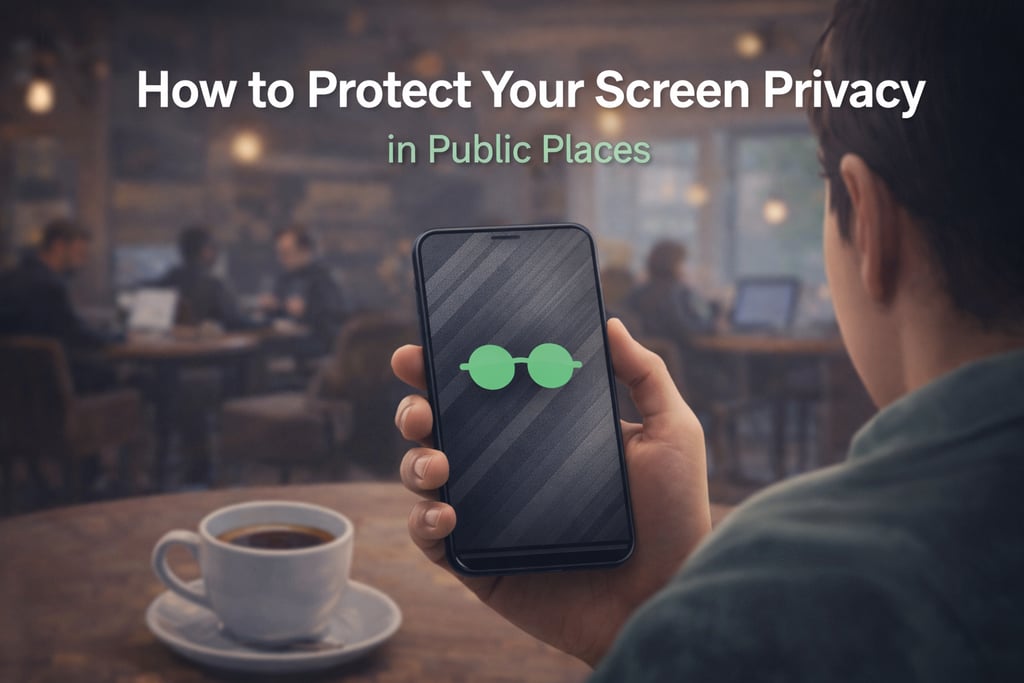
How to Protect Your Screen Privacy in Public Places
Using your phone in public places like cafés, trains, airports, or coworking spaces has become part of daily life. Unfortunately, it also comes with a hidden risk: shoulder surfing.
Shoulder surfing happens when people nearby can see sensitive information on your screen without your knowledge. This can include private messages, emails, passwords, banking apps, or work-related data.
In this article, we explain what shoulder surfing is, why it matters, and how you can protect your screen privacy in a simple and effective way.
What Is Shoulder Surfing?
Shoulder surfing is a form of visual privacy invasion. It doesn’t require hacking, malware, or technical skills. Someone simply looks at your screen while you’re using your phone in public.
Because smartphone screens are bright and often used at close range, it’s surprisingly easy for others to see what you’re doing — especially in crowded or shared spaces.
Why Screen Privacy Matters
Many people underestimate how much sensitive information appears on their phone screens every day, such as:
Private conversations and messages
Emails with personal or work-related content
Banking or payment apps
Login screens and verification codes
Photos and documents
Even a brief glance can be enough to compromise your privacy.
Common Ways People Try to Protect Their Screen
Some users try basic methods like:
Tilting the phone away
Lowering screen brightness
Using a physical privacy screen protector
While these help to some extent, they are often inconvenient or ineffective in real-life situations.
A Smarter Way: On-Screen Privacy Overlays
A more flexible solution is using an on-screen privacy overlay. Instead of physically blocking the screen, an overlay allows you to hide or blur your screen content instantly when needed.
This approach offers several advantages:
Immediate control
No hardware required
Works in any public situation
Can be activated only when needed
How PrivySwipe Helps Protect Your Privacy
PrivySwipe is designed to make screen privacy simple and intuitive.
With a swipe gesture, you can:
Instantly cover your screen in public
Adjust how much of the screen is hidden
Stay in control without interrupting your workflow
Most importantly, PrivySwipe works fully on-device.
It does not read, store, or transmit screen content and does not collect personal data.
Privacy Should Be Simple
Protecting your privacy shouldn’t require complex settings or constant attention. Whether you’re replying to messages in a café or checking emails on the train, having control over who can see your screen gives peace of mind.
Screen privacy is no longer optional — it’s a necessity in modern, mobile life.
Final Thoughts
Public spaces aren’t private, but your phone should be.
By understanding the risks of shoulder surfing and using smart tools designed for screen privacy, you can protect your information without changing how you use your phone.
Privacy starts with visibility control — and that starts with your screen.


Privacy
Your Privacy Screen protector with Privyswipe.
Contact
© 2025. All rights reserved.