
Why On-Device Privacy Apps Are Safer Than Cloud Solutions | PrivySwipe
On-device Privacy apps keep your data safer than cloud solutions. Learn why local processing improves security, speed and trust for privacy-focused users.
1/14/20262 min read
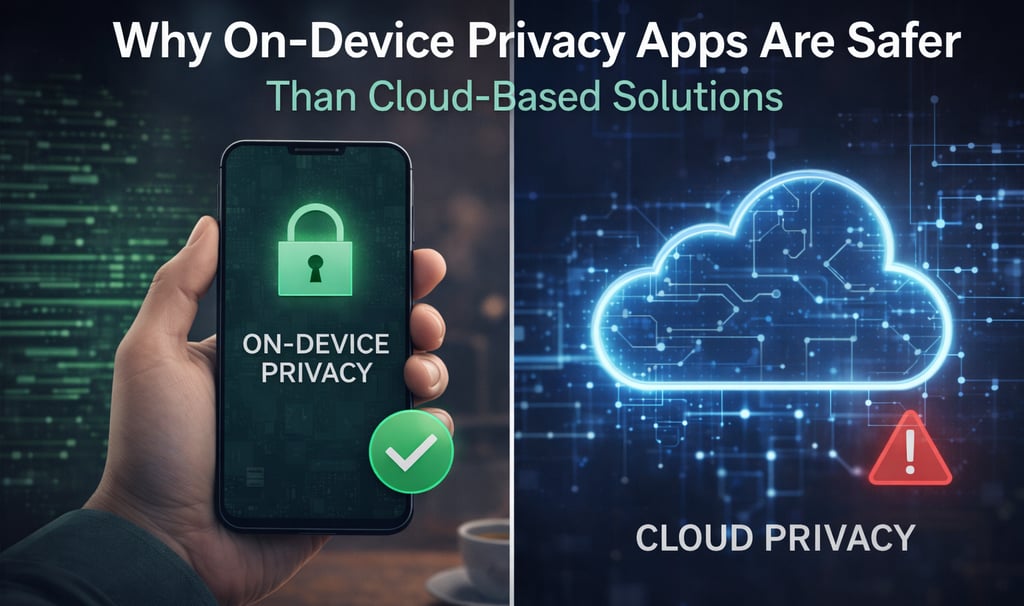
Why On-Device Privacy Apps Are Safer Than Cloud-Based Solutions
Privacy apps are designed to protect sensitive information, but not all privacy solutions work in the same way. One of the most important differences is where your data is processed: on your device or in the cloud.
In this article, we explain why on-device privacy apps are generally safer, more transparent, and better suited for protecting your screen privacy in everyday situations.
What Does “On-Device” Mean?
An on-device app processes everything locally on your phone. This means:
No data is sent to external servers
No cloud processing
No third-party storage
All actions happen directly on your device, under your control.
In contrast, cloud-based apps rely on remote servers to analyze, store, or process data.
The Privacy Risks of Cloud-Based Apps
Cloud-based solutions can be useful, but they also introduce privacy risks, especially for sensitive use cases.
Common concerns include:
Data transmission over the internet
Storage on third-party servers
Potential logging or retention of data
Dependence on external security practices
Even when data is encrypted, sending information off your device always increases the attack surface.
Why On-Device Privacy Is More Secure
On-device privacy apps offer several key advantages:
1. No Data Leaves Your Phone
If nothing is sent to the cloud, there is nothing to intercept, store, or misuse.
2. Works Offline
On-device apps do not depend on an internet connection, making them reliable in public spaces, travel, or restricted networks.
3. Faster and More Reliable
Local processing avoids network delays and server downtime.
4. Easier to Trust
Users can clearly understand what happens to their data when everything stays on the device.
Screen Privacy Works Best On-Device
Screen privacy is a perfect example of a feature that should stay local.
When you hide or cover your screen in public, the action must be:
Instant
Reliable
Fully under user control
There is no need — and no benefit — to sending screen information to the cloud for this purpose.
How PrivySwipe Uses an On-Device Approach
PrivySwipe is built with an on-device-first philosophy.
Screen protection happens locally
No screen content is read or stored
No personal data is collected
No accounts or cloud connections are required
This design ensures that protecting your privacy never creates new privacy risks.
Transparency Builds Trust
Privacy-focused users increasingly look for apps that:
Clearly explain how they work
Minimize permissions
Avoid unnecessary data collection
On-device privacy apps align naturally with these expectations.
Final Thoughts
True privacy means control.
By keeping sensitive actions on your device, on-device privacy apps reduce risks and increase trust.
When it comes to protecting your screen privacy in public, the safest solution is often the simplest one — local, transparent, and fully under your control.


Privacy
Your Privacy Screen protector with Privyswipe.
Contact
© 2025. All rights reserved.